
Everyone knows that “less is more,” right? VSee’s dedication to this common-sense design principle into action by making it possible for anyone to get started using VSee with just a single click from its home page. There is no downloading and no installing involved for the user.
If you’re interested in design, you can read what Steve Spencer has to say about the cost of unecessary clicks.
Anyways, here is a 56-second preview of how VSee starts up with just one-click, in case you didn’t get a chance to try it out last week when we first released it. (Btw, the background music is from “Last Train” by Urtzi Azkue.) There’s also screen shots for you non-video people.
One-click Screenshots:
Fill in you info on the right-side of vsee.com home and click “Start VSee”.
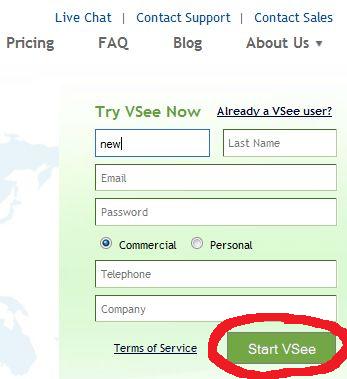
After clicking “start,” you should see the following words where the sign-up form used to be:

quickly followed by
then

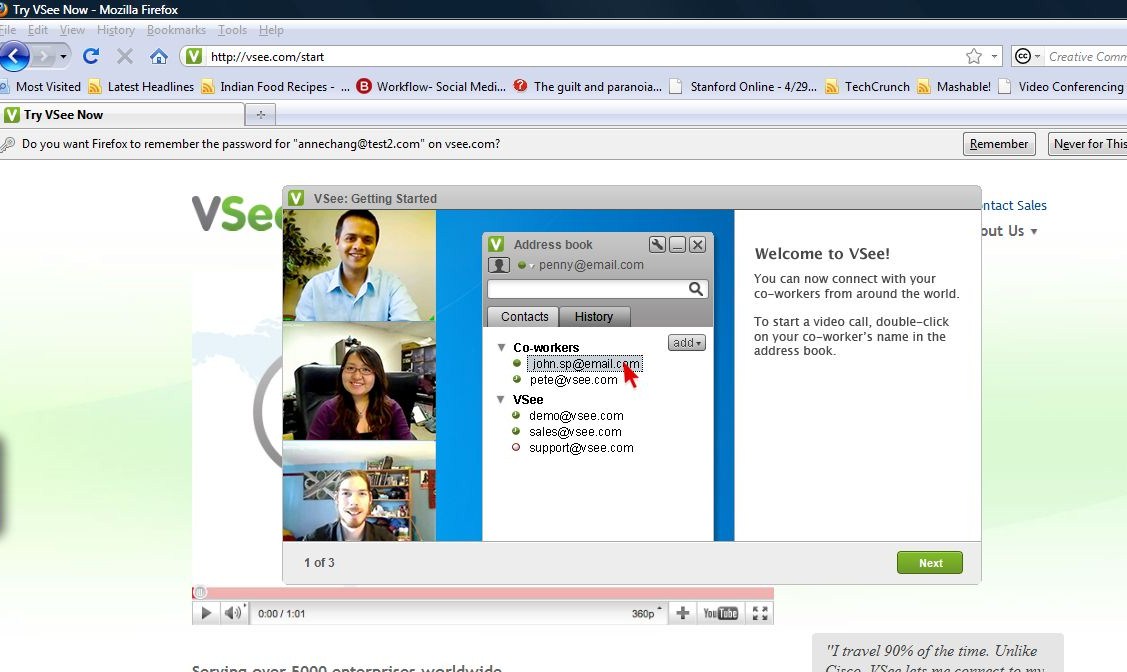
First-Use Tutorial
The first-time you use VSee you will need to click through the 3-screen tutorial.
Also, if you’re lucky enough to have more than one camera, you will need to choose the camera you want to use. Or else simply wait for VSee to initialize:
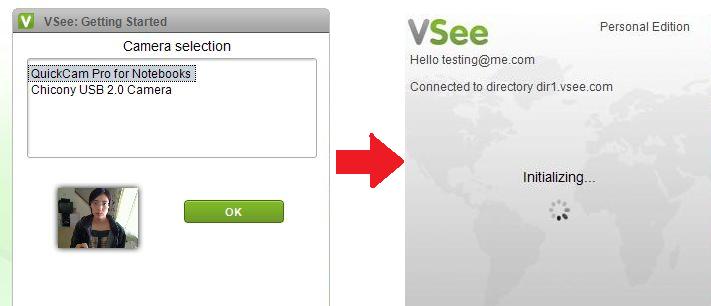
Your address book and video window will soon appear :
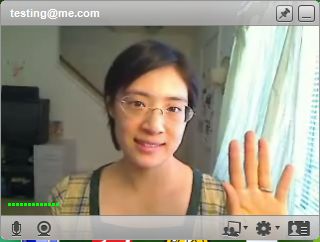
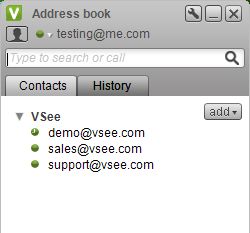
Click twice on demo@vsee.com for a test drive 🙂
Exiting VSee
Right-click the  on your toolbar/dock. Point the arrow to select “Exit” and release.
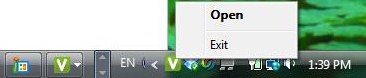
If you’ve closed you’re address book. You can also easily open VSee from the same toolbar icon.

Follow us on Twitter (@VSee) and Like us on Facebook to hear about the latest from VSee! By the way, we are hiring too.


When can we expect clients for Iphone en Android?. I am holding on other solutions waiting for you to release these clients
Thanks for your dedication to VSee, Luis 🙂 We’re looking at the end of this year for iOS and Android sometime after that.