
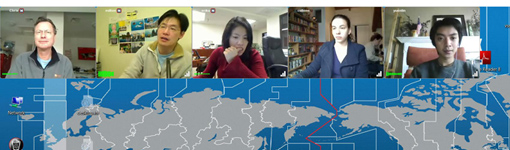
One of the most powerful features of VSee is the ability to meet with 2, 3 or up to 10 people (depending on bandwidth) and see them all simultaneously, each person in their own window. You have complete flexibility to position each window wherever you want, but sometimes you just wish the computer would arrange them for you. Fortunately, there is a solution. Just click on any video window and press Control-T. Voila! All of the video windows are neatly arranged. Each time you press Control-T the windows will cluster at a different edge of the screen.
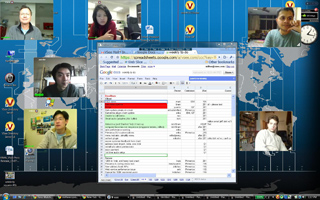
Before
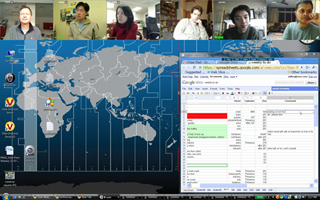
After Control-T
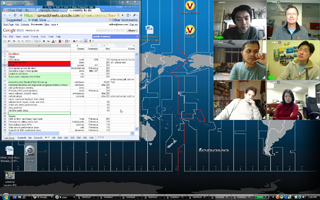
After Control-T

After Control-T
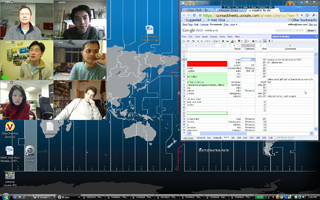
After Control-T
Too many windows? Want to make them smaller? You can grow or shrink all of the video windows together by pressing Control-+ and Control– (That is, hold down the control key and press + or -.)






I love keyboard shortcuts! pls build more keyboard shortcuts into the application