
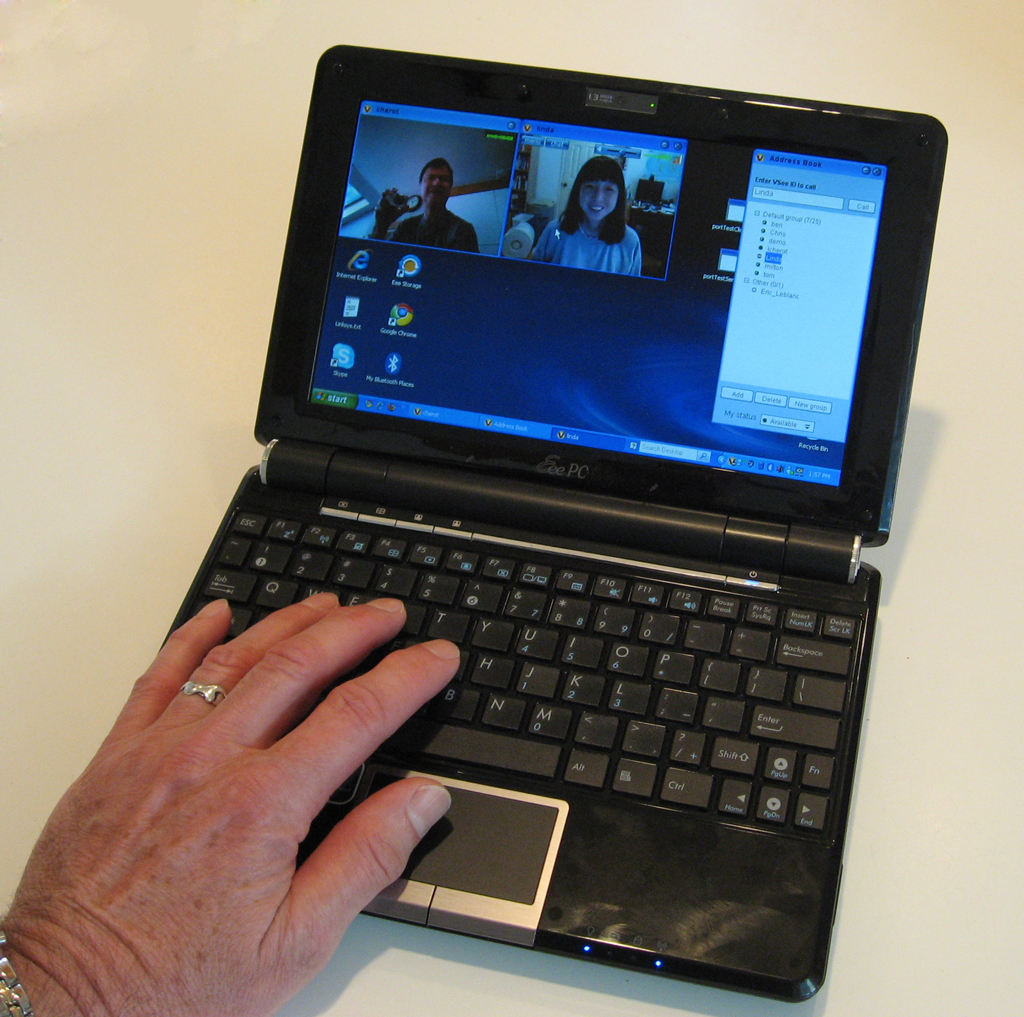
ASUS Eee PC 1000HE
One of the advantages of using video and collaboration tools is the ability to work from anywhere in the world. VSee is so easy to set up and run that some people I know just carry a webcam with them and plug it in at a nearby Internet cafe, but there are going to be times when you need to bring your own computer with you. Anyone who does this a lot will tell you that size and weight become major issues, with battery life and cost becoming important as well.
Fortunately, a new generation of “netbooks” – small internet-ready notebook computers – have sprung up. Most of them are based on the Intel Atom processor, a 45 nm part that packs at 1.8 GHZ processor into a 26 mm chip drawing less than 1 watt.
Just about every manufacturer offers on of these – Acer, ASUS, Dell, HP, Lenovo – and most have similar features: 1024×600 on a 10 inch screen, under 4 lbs and under $400, but the performance varies. Of the machines we have tested, the ASUS Eee PC 1000HE and the Lenovo S10 include a built-in camera and have enough horsepower to do video. However, the Lenovo camera puts out a lot of noise, which requires a lot of CPU to filter, so my choice is the ASUS.
For under $400, the ASUS offers an impressive list of features:
- Intel Atom N2801.66 GHZ processor
- L2 cache
- 1 GB RAM (DDR2)
- 10 inch LED backight 1024×600 display
- 160 GB hard drive
- Windows XP Home (ugh!)
- 802.11 b/g/n
- Bluetooth
- 1.3 megapixel camera
- SD card slot
- 3 USB ports
- VGA port
- Ethernet (10/100)
- Microphone & mic jack
- Stero speakers & headphone jack
- HD audio & Dolby
It a little bit heavier than it looks, but with the tiny little power supply can easily slip into a briefcase or backpack. If you are just going out for the day you can leave the power supply at home – the battery seems to last forever.


I’ve owned this little guy for about 2 months now, I’ve tested several net-books prior and can honesty state that this is the best net-book on the market.
Several people have complained about it not accepting wireless connections, my advice: READ THE MANUAL. It tells you how to do it if for some reason your net-book is not set up to do it already, it’s as simply as pressing two keys simultaneously.
Also, how fast a web-page loads is not a function of your computer, rather it is a function of your internet connection, if you only achieve transfer rates of 56kbps, it’s because you’re on a 56K connection, so ignore those reviewers.
The island style keyboard is excellent, but be advised, if you type properly, it will take some getting used to. If you use this laptop and another laptop with a traditional style keyboard, you will most likely experience an unpleasant amount of typo’s on the traditional keyboard.
The only read drawback of this net-book is the track-pad.
Great post! the eee pc rocks
I know off topic but just a question for all you tecky computer people. My husband said buy a an acer computer but thought I would ask around from those who are more familiar than we are. Any suggested are appreciated.. Thank you.
No problem. I assume that it is somewhat on topic and that you’re asking about netbooks? I see you are a wedding photographer; I wouldn’t recommend a netbook for image manipulation. But nearly any manufacturer’s computer is reasonable for what netbooks CAN do well: basic office functionality and web surfing. In addition to Acer, there is Asus, Dell, HP, MSI (what I usually use), Toshiba, Lenovo (many of VSee’s in-house netbooks are Lenovo), and others. And read reviews when you can. Amazon is a great place to get lots of customer reviews, but you may want to see if the model you’re looking at is reviewed in places like Cnet as well. Good luck.
Hi!
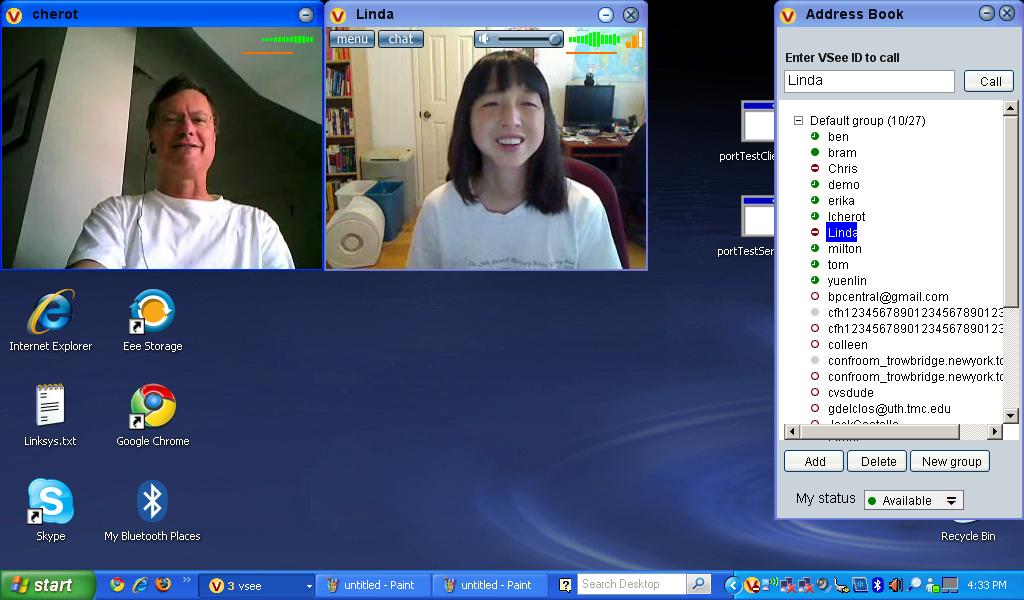
This morning i found this great software. i tried to video conference with my spouse. For me, the video quality much better than skype. The video is smooth and clear.
The desktop and application sharing feature is the best i have try compared with other software.
I agree with you. In August, I tried Skype video call with my spouse, I was very frustrated by the call getting dropped every few minutes. We ended up switching over to VSee and finished the call without any more drops.
I really like the application sharing interface, too. It’s a really unique approach and much easier to use than your typical web conference session…kind of like when Apple introduced the idea of windows 😛 (Ok, I could be overstating it a little.)
Netbooks are perfect for video chats – small and quick to get going. I actually have the ASUS Eee PC 1000HE and love it, especially with VSee!